What Is a Command Line Interface: The Power Behind the Terminal
What Is a Command Line Interface: The Power Behind the Terminal
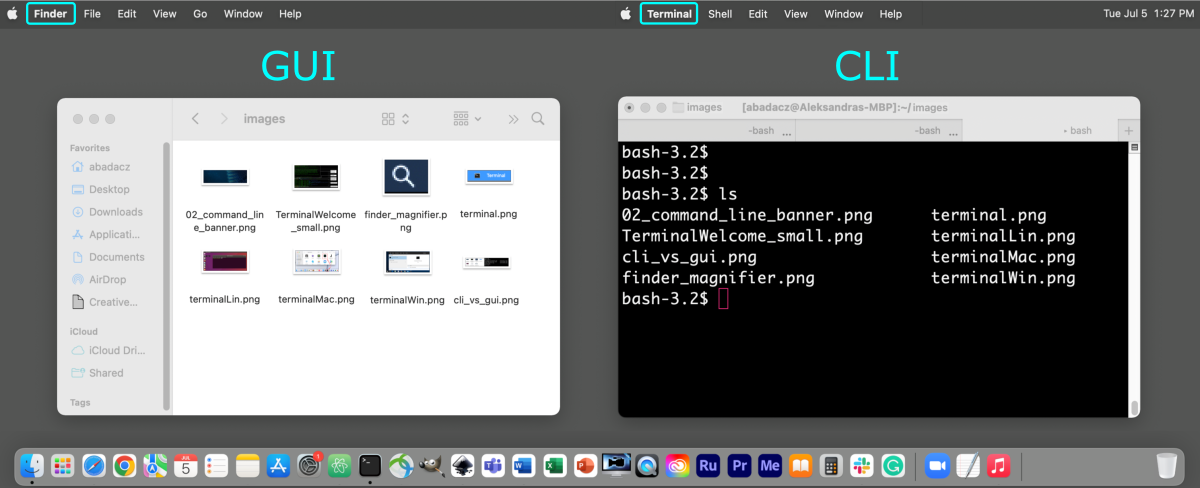
At its core, a Command Line Interface (CLI) is a text-based gateway to a computer’s operating system, enabling users to interact with machines through precise typed instructions rather than graphical clicks. Unlike modern graphical user interfaces (GUIs), where actions are driven by windows, icons, and menus, the CLI demands direct engagement via text commands—each line a directive to the system. This foundational tool has powered computing for decades, shaping how developers, system administrators, and advanced users manage data, automate tasks, and govern digital environments.
Defined by its simplicity and precision, the CLI remains indispensable in both everyday computing and high-stakes technical operations.
In contrast to graphical interfaces, the Command Line Interface operates in real time, offering unmatched speed and control. While graphical systems rely on mouse clicks and visual feedback loops, the CLI responds instantly to typed commands, eliminating lag and layers of abstraction.
Each command—whether launching a process, navigating directories, or modifying files—executes with raw efficiency, often passing through minimal system overhead. This immediacy makes the CLI especially valuable in automation pipelines where responsiveness is critical. As one terminal expert notes, “A well-crafted CLI command executes a complex task in a single line—something GUIs rarely accomplish with such elegance.”
The Anatomy of a Command Line Interface
A Command Line Interface is built around three essential components: the terminal, the command interpreter (shell), and response feedback.The terminal serves as the user’s window into the system, rendering text output and accepting input. It comes in various forms—from the batch-mode terminals of early computing to modern, customizable shells like Bash, Zsh, PowerShell, and Fish. The shell, the software layer between the user and kernel, parses commands, manages context, and executes scripts.
It interprets syntax, handles pipes and redirections, and enables users to build complex command sequences. Finally, system feedback—displayed text and cues—guides users through success, errors, or warnings, ensuring clarity even in complex workflows.
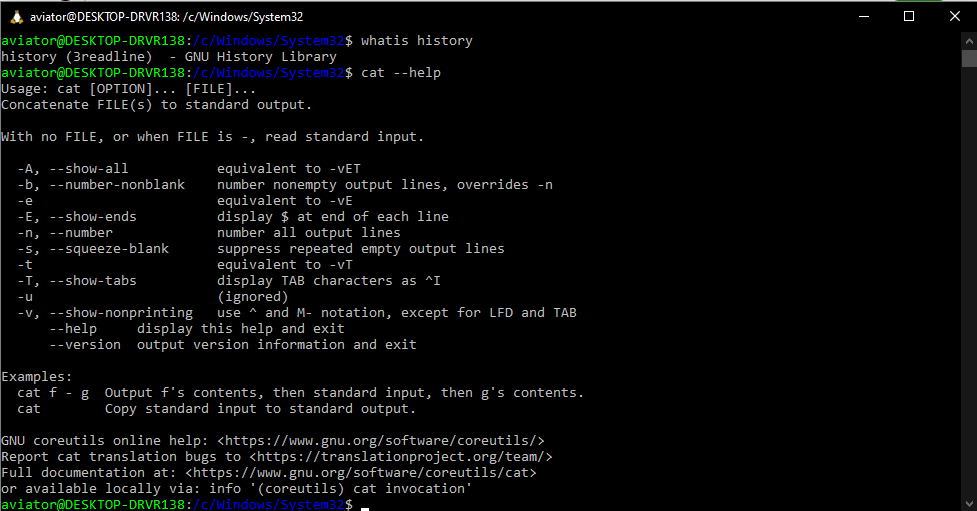
Every command follows a consistent structure, typically composed of an executable name followed by argument and option flags.
For example, the command
Core Benefits of Using a Command Line Interface
One of the command line’s most compelling advantages is its unparalleled efficiency. Console commands often require fewer keystrokes than equivalent GUI actions. Tasks like batch renaming files, filtering logs, or streaming data through pipelines can be completed in seconds with a few lines—reducing labor and minimizing human error.Systems analysts frequently cite this speed as critical in large-scale deployments, where minutes saved across thousands of operations accumulate into significant gains. Security is another domain where the CLI excels. Unlike GUIs with sprawling user interfaces vulnerable to exploitation, the terminal operates with minimal privileges and granular access controls.
Powershell scripts, for instance, use explicit permission flags and role-based authentication, reducing attack surfaces. As cybersecurity experts emphasize, “A CLI-driven workflow enables tighter control, auditability, and reproducibility—core tenets of secure computing.” Automation lies at the heart of CLI’s enduring relevance. Tools like Bash scripts, Python shell commands, or shell script portals automate repetitive tasks: system backups, log rotations, and software deployments.
DevOps pipelines rely on these scripts to synchronize environments and enforce consistency across servers. One organization reporting reduced server downtime by 40% attributed success directly to CLI automation, demonstrating its transformative impact on modern IT operations.
CLI Adoption Across Industries and Roles
The Command Line Interface is not confined to niche developer communities—it has seeped into nearly every sector and user type.In software engineering, engineers write shell scripts to build CI/CD pipelines, manage repositories, and test environments. System administrators depend on CLI tools like SSH, rsync, and grep to secure and scale infrastructure. Successful data scientists use CLI environments such as Jupyter integrated with Python to process large datasets efficiently.
Even entry-level technicians and students recognize the command line as a foundational skill, learning its logic early to master more complex systems. Beyond technology roles, financial firms use CLI for high-frequency trading algorithms, trade brokers automate order execution, and developers build algorithmic models with shell-based data processing. In education, introductory computer science curricula incorporate terminal usage to teach logic, debugging, and system governance.
Across these varied domains, the CLI remains a universal language of precision and efficiency.
While graphical interfaces dominate casual computing, the Command Line Interface continues to serve as the engine of digital transformation. Its blend of speed, security, and programmability makes it irreplaceable in mission-critical systems, development workflows, and daily operations alike.
Behind every seamless automation and responsive server interaction lies a clean, powerful command structure—proof that in a world of clicks, the keyboard remains king.
The command line interface endures not as a relic of computing’s past, but as a vital, evolving tool—efficient, precise, and indispensable for anyone who demands real control over their system’s behavior.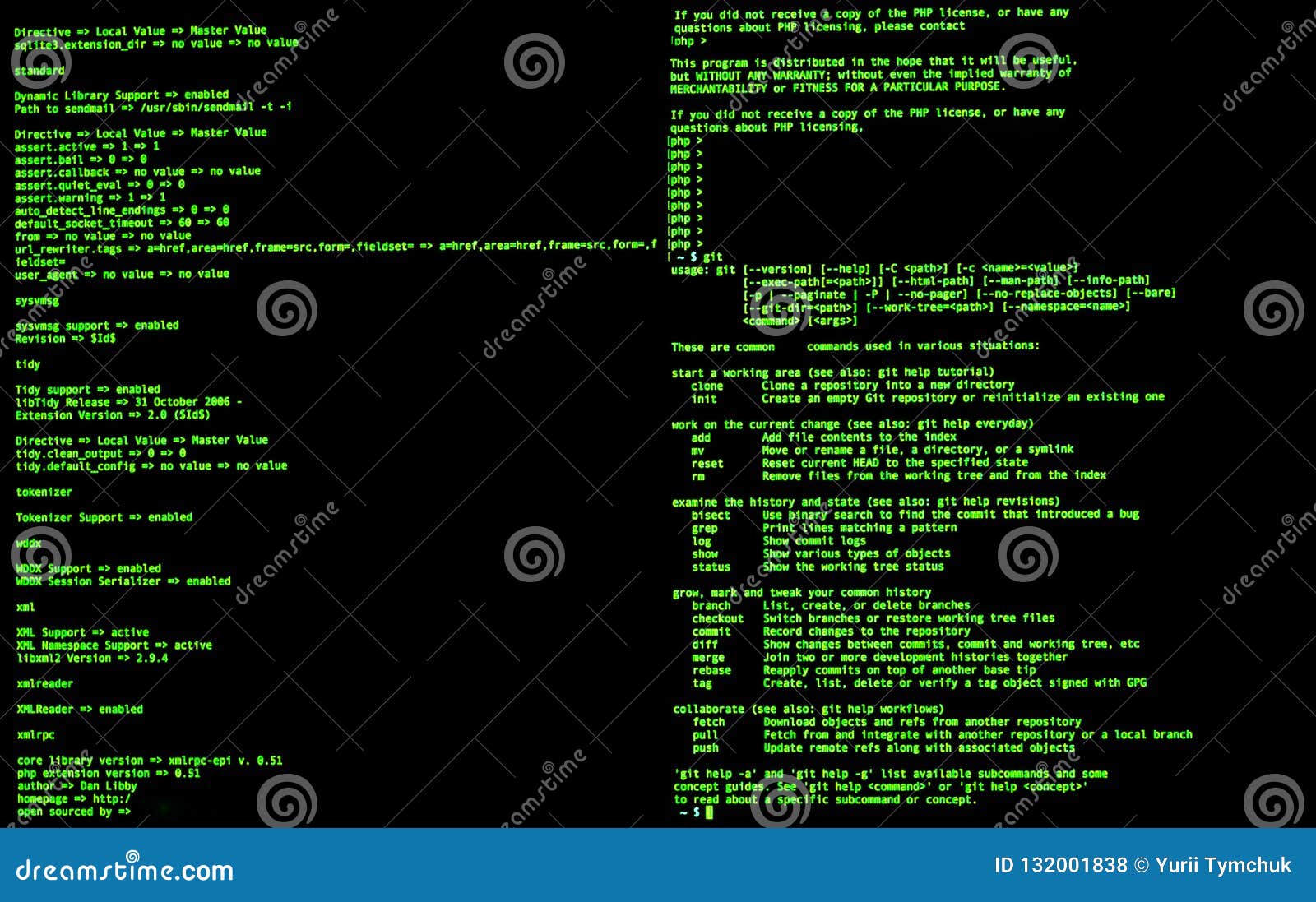
Related Post

IST Paul’s Academy: A Visual Journey Through Photos Reveals a Legacy of Excellence

What Time Is It in Ohio Today? Your Instant Guide to Accurate Clockwatch for the Buckeye State

Unveiling The Untold Story of Cicely Johnston: Demond Wilson’s Steadfast Partner in Capturing Iconic Legacy
/wion/media/post_attachments/files/2021/03/20/188158-8.jpg)
The Billie Eilish Topless Controversy: Behind the Scenes of One of the Most Viral Moments in Modern Pop Culture


